
SCATT - Shooting Training Systems

mouche - Sales & Repair Service for SCATT:
Would you like to learn how to shoot with even greater precision?
SCATT develops and manufactures simulators and accessories for pistol, rifle, archery, and crossbow shooting.
SCATT systems help experienced shooters improve their skills and give beginners the chance to cut the time needed to learn how to shoot by a factor of two to three. When training in a standard-sized room, you can use any type of firearm and simulate shooting at distances of up to 1,000 meters.
The target movement curves displayed on the computer monitor provide comprehensive information about aiming accuracy and errors made before, during, or after the shot.
In our online store, you'll find the most important items for professional use of the SCATT shooting training systems:
- SCATT MX-W2, the most powerful system
- SCATT Basic, the most affordable training system
- Electronic targets
- Mounting hardware
- Accessories
- etc. ...
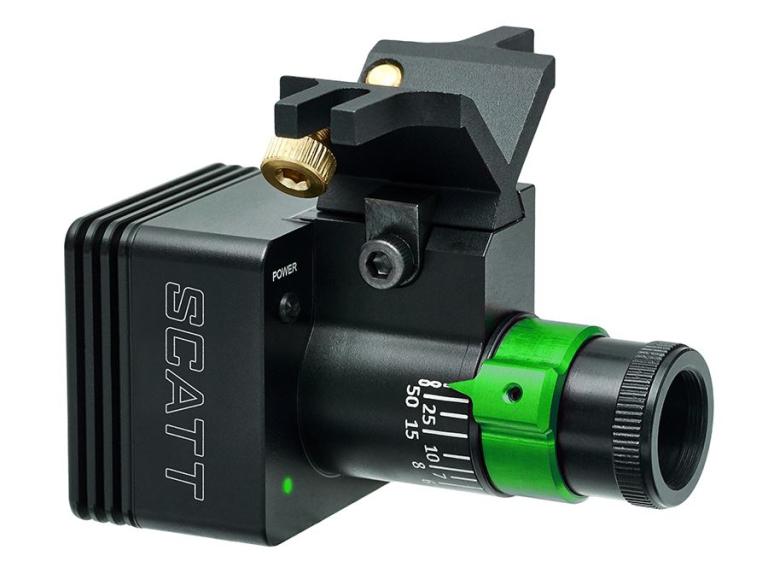
SCATT MX-W2 WiFi
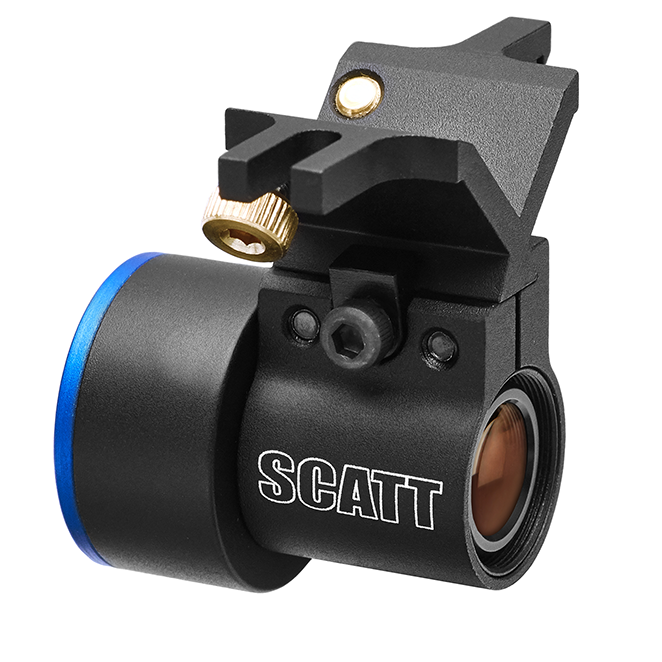
SCATT Basic
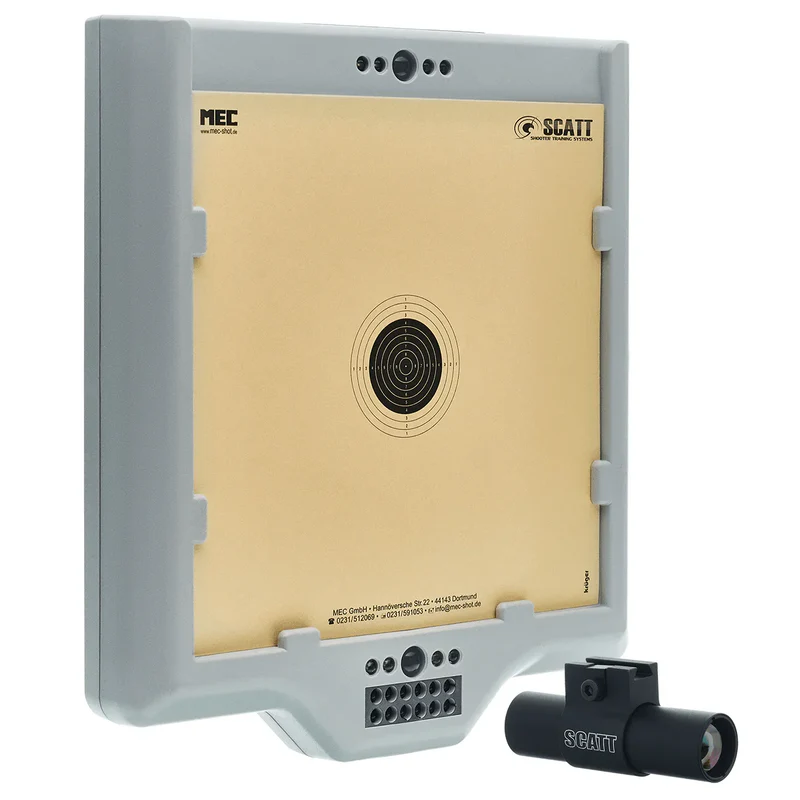
SCATT WS1
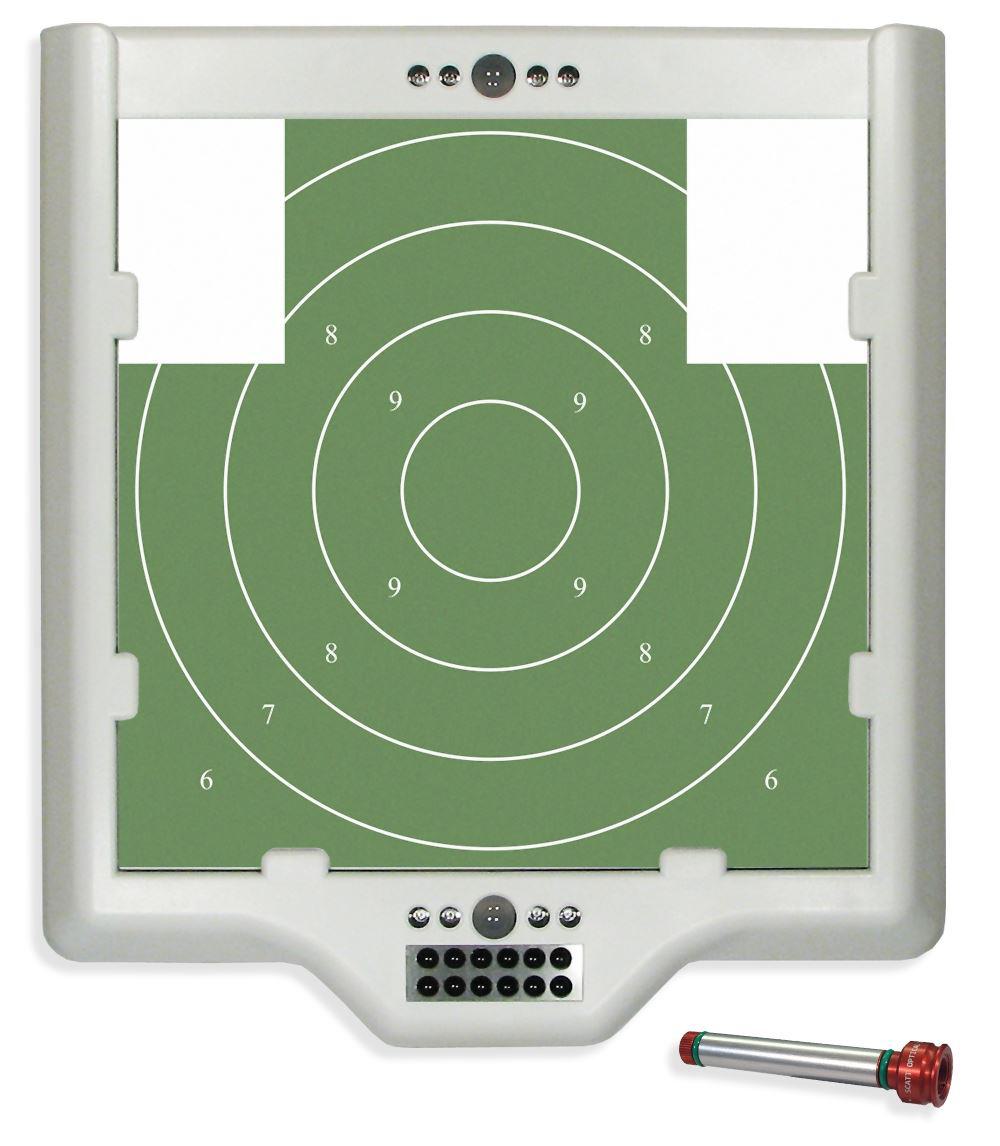
SCATT WM9
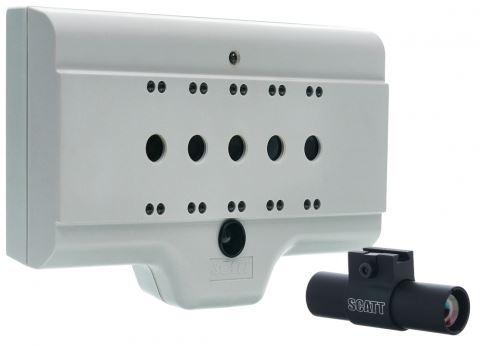
SCATT Biathlon-WL
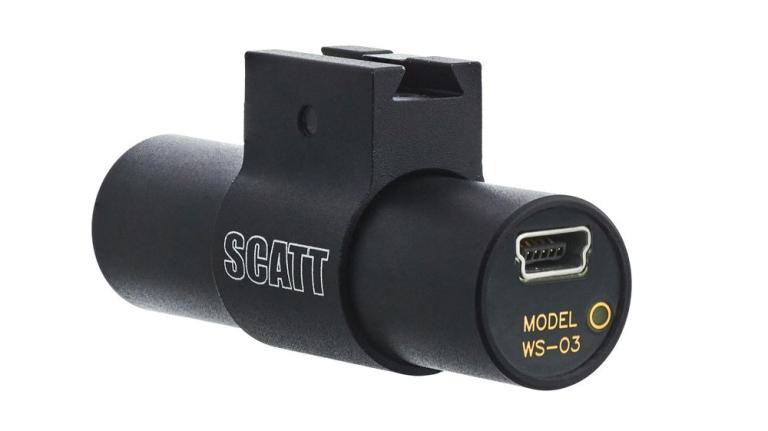
Sensor WS-03
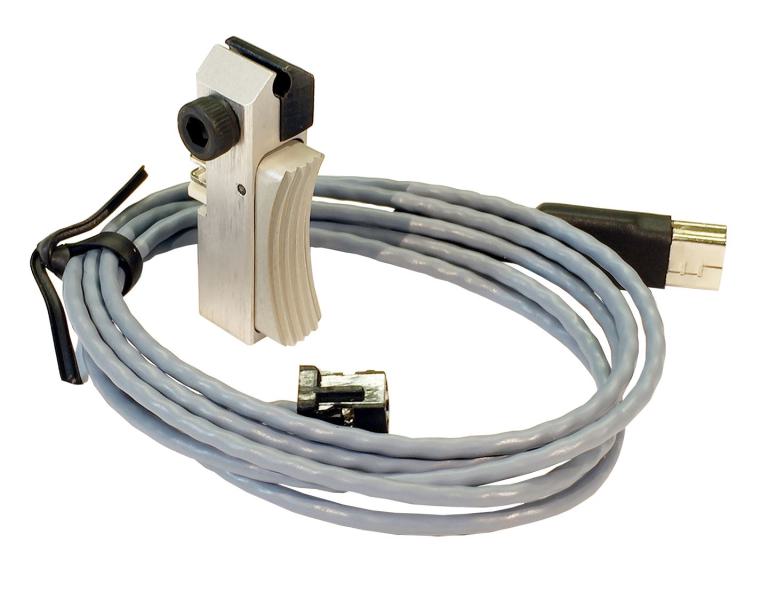
Draft Sensor WTS
General Description of the Training System:
All systems operate according to the following principles: An electronic, optical sensor is attached to the barrel of the firearm or to the compressed-air cartridge of air guns. The shooter then aims at the electronic target, or—in the case of the new MX-02 system—at any target of their choice. The trajectory of the shot can be tracked in real time on the monitor. When the trigger is pulled, the point of impact is displayed on the screen.
All results from the training session can be recorded for later analysis.
Comparison Table of SCATT Simulators:
Model Features | SCATT Biathlon WL/USB | SCATT WM9 | SCATT WS1 | SCATT MX-02 |
|
|
|
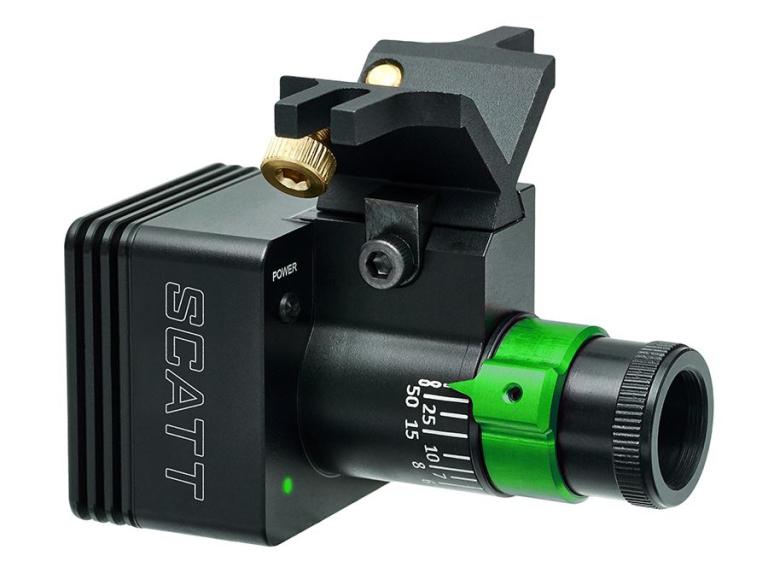
| 
| |
Distance to the target | 5 m | 4 bis 6 m | 4 bis 10 m | 2,5 m and up |
Simulates Distance | 50 m | up to 50 m | up to 1000 m | up to 1000 m |
Weapon | Rifle | Pistol (9 mm caliber) | Rifle, Pistol, Crossbow, Bow | Rifle, Pistol, Crossbow, Bow |
Type of optical sensor | wireless, with a cable | wireless | wireless | with a cable |
Training with Ammunition | No | No | No | Yes |
Environment | Indoor | Indoor | Indoor | Indoor/ Outdoor |
Weight of optical sensor | 30 g / 26 g | 6 g | 30 g | 36 g (1.2 oz) |
Mounting Kits |
|
|
| |
What's Included |
|
|
|
|
Garantie | 24 months | 24 months | 24 months | 24 months |
About SCATT:
The SCATT organization was founded in 1991 in collaboration with the national team of the Russian Shooting Federation, with the goal of developing and designing a computer-based training system. All SCATT employees have close ties to the sport of shooting, and this has contributed immensely to the technical features and characteristics found in our system. SCATT places great emphasis on the quality and reliability of its products.
mouche is SCATT’s official service partner for Europe.
We’d be happy to assist you with orders and technical questions.
Link to download the latest SCATT driver software as well as the user manuals (under “Miscellaneous”).
SCATT Professional Software:
SCATT's powerful and easy-to-use professional software includes all the features necessary for efficient training and a comprehensive analysis of shooting results. The results are displayed in both digital and graphical formats and can be saved to a storage device for further analysis (bullet trajectories, shots, and graphs, etc.).
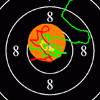
All major sporting and military targets are included in the program. Depending on the model of electronic target used—or, in the case of the MX-02 model, standard shooting targets—this program can simulate distances of up to 1,000 meters. It is even possible to print the desired target at the required scale, depending on the distance, directly from the program.
Target Trajectory—measures the movement of the weapon relative to the target, both before and after firing. A precise measurement of the target trajectory provides accurate information about the target and the point of impact.
The target trajectories are highlighted in different colors (default: target before firing—green; one second before firing—yellow; after firing—red). You can easily change the colors of the trajectory segments and add additional colors.
By zooming in on the target using the mouse or keyboard, you can examine the specific section of the trajectory/target path curve that interests you.
The program automatically replays the target trajectory/target path curve as soon as the shot is fired, since the shooter cannot watch the screen while aiming.
Target Center Deviation—this analysis is represented by two graphs. The first shows the distance of the points on the target path curve from the center of the target, both vertically and horizontally.
The second graph shows the absolute deviation of the trajectory points from the center of the target. Both lines provide information about the same shot.
The coordination graph shows the absolute deviation of the trajectory points from the center of the target (see above), including the total number of shots fired during the training session. It is one of the most important indicators of the shooter’s coordination. It highlights the loss of control over the firearm in the final moments before firing.
The term “coordination” refers to the shooter’s ability to choose the optimal moment to fire while maintaining a steady hold. This is one of the most important criteria for evaluating a shooter’s ability as a competitor. This ability to choose the optimal moment for the final trigger release can partially compensate for insufficient holding stability.
Coordination is analyzed using the averaged curve of the values. It is plotted over a selected time interval prior to the shot. The value of R(t) and, in particular, the nature of the change (increase or decrease) in the final 0.2–0.3 seconds are characteristic of the shooter’s level of coordination. The faster the R(t) value increases in the last 0.2 seconds, the lower the shooter’s coordination ability; that is, the more likely it is that the aim of the rifle or pistol will deteriorate at the very last moment of pulling the trigger.
Time Graph/Shift in the Time of the Shot—this graph not only shows the result of the shot at the moment of pulling the trigger but can also be compared to the possible result if the shot had been fired a fraction of a second earlier.
Target Movement Speed—this curve represents the speed of the target’s movement and measures a shooter’s stability.
It is a very useful graph for analyzing holding stability and shooting between heartbeats.
Intervals between shots—this graph shows the optimal timing for each individual shot and the time intervals between them. Based on this data, a shooter can select their optimal firing rate.
Probability of Results / Ammunition Dispersion—provides a shooter’s potential results when using a firearm and/or ammunition of a different quality.
All data is automatically recorded in a folder where training files are grouped by discipline name and the shooter’s last name. This data is then organized for easy searching. It is even possible to share files or send them to another person, such as a coach who lives in a different location than the shooter.
Supported languages:
English, Arabic, Chinese (Simplified), German, French, Italian, Japanese, Korean, Polish, Russian, Spanish, Turkish, Vietnamese.